


Accessing Mac-formatted drives on a Windows computer can be challenging without the right software. Windows does not natively support writing to HFS+ or APFS drives, making file transfers between macOS and Windows more complicated than they should be. This is where GetTransMac becomes a practical solution for many users. Designed specifically for Windows, it enables users to open, manage, and create Mac-compatible disk images while offering a straightforward interface.
Whether you frequently switch between Mac and Windows systems, create bootable USB drives, or recover files from Mac storage devices, this software aims to simplify those tasks. In this review, we will examine its core features, benefits, pricing, advantages, limitations, and the best alternatives available today. By the end, you’ll have a clear understanding of whether GetTransMac is the right choice for your workflow.
What Is GetTransMac?
GetTransMac is a Windows utility that allows users to access, browse, and manage Mac-formatted drives. Since Windows cannot normally read or write HFS+, HFSX, or APFS file systems, this software fills an important gap for professionals, students, developers, and IT administrators who work across multiple operating systems.

The software supports creating, restoring, and opening DMG files, making it especially useful for users who need to install macOS or recover Mac data from Windows. It also provides disk management capabilities that eliminate the need for a separate Mac computer in many situations.
Unlike complex enterprise solutions, the application focuses on simplicity. Its interface resembles Windows File Explorer, making navigation familiar even for beginners. At the same time, it offers enough advanced functionality to satisfy power users.
Why People Choose GetTransMac
Many users choose GetTransMac because it provides an efficient bridge between Windows and macOS storage devices. Instead of relying on multiple utilities or cloud storage for transferring files, users can directly access Mac drives from their Windows PCs.
Some of the major reasons users prefer this software include:
- Read Mac-formatted drives on Windows
- Create and restore DMG image files
- Burn DMG images to USB drives
- Recover files from Mac disks
- Simple interface for beginners
- Lightweight installation
- Useful for IT professionals and developers
Its combination of ease of use and practical functionality makes it valuable for anyone regularly working with Apple storage devices.
Key Features of GetTransMac
The biggest strength of GetTransMac lies in its practical feature set. Instead of trying to replace a full disk management suite, it focuses on solving Mac-to-Windows compatibility issues efficiently.
1. Read Mac Drives
The software enables Windows computers to detect HFS+, HFSX, and certain APFS partitions, allowing users to browse folders and copy files.
2. Create DMG Files
Users can generate Mac disk image files directly from Windows. This is especially helpful for backups and software distribution.
3. Restore Disk Images
It supports restoring DMG files to USB flash drives, making bootable installation media easier to create.
4. Disk Management
The application lets users view partitions, explore directories, and perform file operations on compatible drives.
5. Easy Navigation
Its Windows-style interface reduces the learning curve and allows quick access to connected Mac storage devices.
6. Lightweight Performance
The software consumes relatively few system resources, making it suitable for older Windows computers.
Benefits of Using GetTransMac
There are several reasons why GetTransMac remains popular among Windows users who interact with Apple devices. One of its greatest advantages is convenience. Instead of transferring files through cloud services or external tools, users can directly access Mac drives.
Another benefit is productivity. Professionals working in mixed operating system environments save valuable time because they can manage Mac storage without switching computers. IT technicians often use it to prepare installation drives, recover important files, and inspect damaged Mac disks.
The software also reduces hardware dependency. Many users no longer need immediate access to a Mac simply to retrieve files or create installation media. This flexibility can be particularly useful in offices, educational institutions, and repair centers where multiple operating systems coexist.
GetTransMac Pricing
One of the attractive aspects of GetTransMac is its straightforward pricing model. Unlike subscription-based utilities that require recurring monthly payments, this software generally follows a one-time license approach.
Most users can also evaluate the software during its trial period before deciding whether to purchase a license. This allows individuals to test compatibility with their hardware and determine whether the available features meet their requirements.
Although pricing may vary over time depending on licensing options and updates, the software is generally considered affordable compared to enterprise-level disk management solutions. Users should always review the latest licensing information before purchasing.
Pros and Cons
Every software solution has strengths and weaknesses. Understanding both sides helps users make informed decisions.
Pros
- Easy to install and use
- Supports Mac-formatted drives
- Can create and restore DMG files
- Suitable for Windows users
- Lightweight application
- Helpful for bootable USB creation
- Good compatibility with older Windows versions
Cons
- Some advanced APFS features may have limitations
- User interface appears somewhat dated
- Primarily designed for Windows only
- Not intended to replace full Mac disk utilities
- Certain operations require administrator privileges
Feature Comparison Table
| Feature | GetTransMac | Typical Free Utilities |
|---|---|---|
| Read HFS+ Drives | Yes | Limited |
| Create DMG Files | Yes | Rare |
| Restore DMG to USB | Yes | Limited |
| Windows Compatibility | Excellent | Varies |
| Beginner Friendly | Yes | Moderate |
| Professional Features | Good | Basic |
| Trial Version | Yes | Usually Yes |
The table shows that while many free utilities provide basic functionality, dedicated software often delivers a broader range of tools for users who regularly work with Mac storage devices.
Best Alternatives to GetTransMac
Although GetTransMac is a capable utility, it may not suit every user. Fortunately, several alternatives provide similar functionality with different strengths.
1. HFSExplorer
A free solution that allows users to read HFS+ drives. It is suitable for basic file access but lacks many advanced management features.
2. MacDrive
A premium application designed for seamless integration of Mac drives within Windows. It offers a polished interface and extensive compatibility.
3. Paragon APFS for Windows
Ideal for users working primarily with APFS-formatted drives. It focuses on modern Apple file systems and reliable performance.
4. Disk Drill
Known mainly for data recovery, it also supports recovery from Mac-formatted storage devices.
5. UFS Explorer
A professional-grade utility offering advanced disk recovery and file system support across multiple operating systems.
Choosing the best alternative depends on whether your priority is file recovery, advanced disk management, APFS compatibility, or affordability.
Who Should Use GetTransMac?
This software is suitable for a wide variety of users. IT professionals frequently use it when servicing Apple devices or preparing installation media. Software developers working across Windows and macOS can benefit from its ability to manage Mac disk images without leaving the Windows environment.
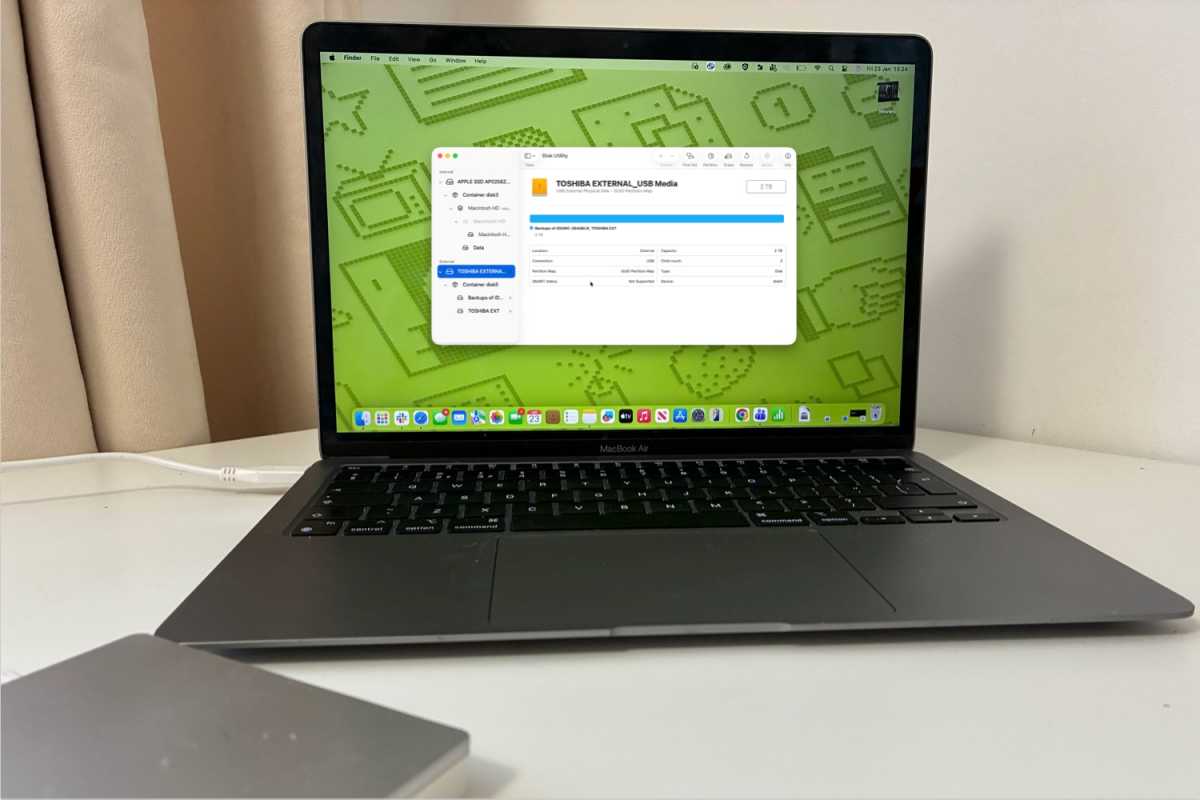
Students studying computer science or information technology may also find it useful when experimenting with different operating systems. Content creators who use both Windows and Mac computers can quickly exchange files without relying entirely on cloud storage.
Even casual users who occasionally receive a Mac-formatted external drive may appreciate having a straightforward way to access important files without needing a separate Apple computer.
Things to Consider Before Buying
Before purchasing any disk utility, users should evaluate their specific needs. If your only requirement is occasional file access, a free alternative may be sufficient. However, users who regularly create bootable USB drives, manage DMG files, or maintain Mac computers may benefit from investing in a dedicated solution.
It is also important to verify operating system compatibility, supported file systems, licensing terms, and available technical support. Testing the trial version can help ensure the software performs well with your hardware before making a purchase decision.
Conclusion
GetTransMac remains one of the most practical Windows utilities for accessing and managing Mac-formatted drives. Its ability to read HFS+ storage, create and restore DMG files, and simplify cross-platform workflows makes it valuable for both beginners and experienced users. The lightweight design, user-friendly interface, and one-time licensing model further increase its appeal. While it may not replace advanced enterprise disk management software or provide every feature required by professional system administrators, it successfully solves one of the most common compatibility challenges between Windows and macOS.